
Recipes
Boiling, steaming, and baking steps.
Take the time you need from the page you are reading. Keep several timers nearby, and focus on the next step in front of you.
Your Time. More You.
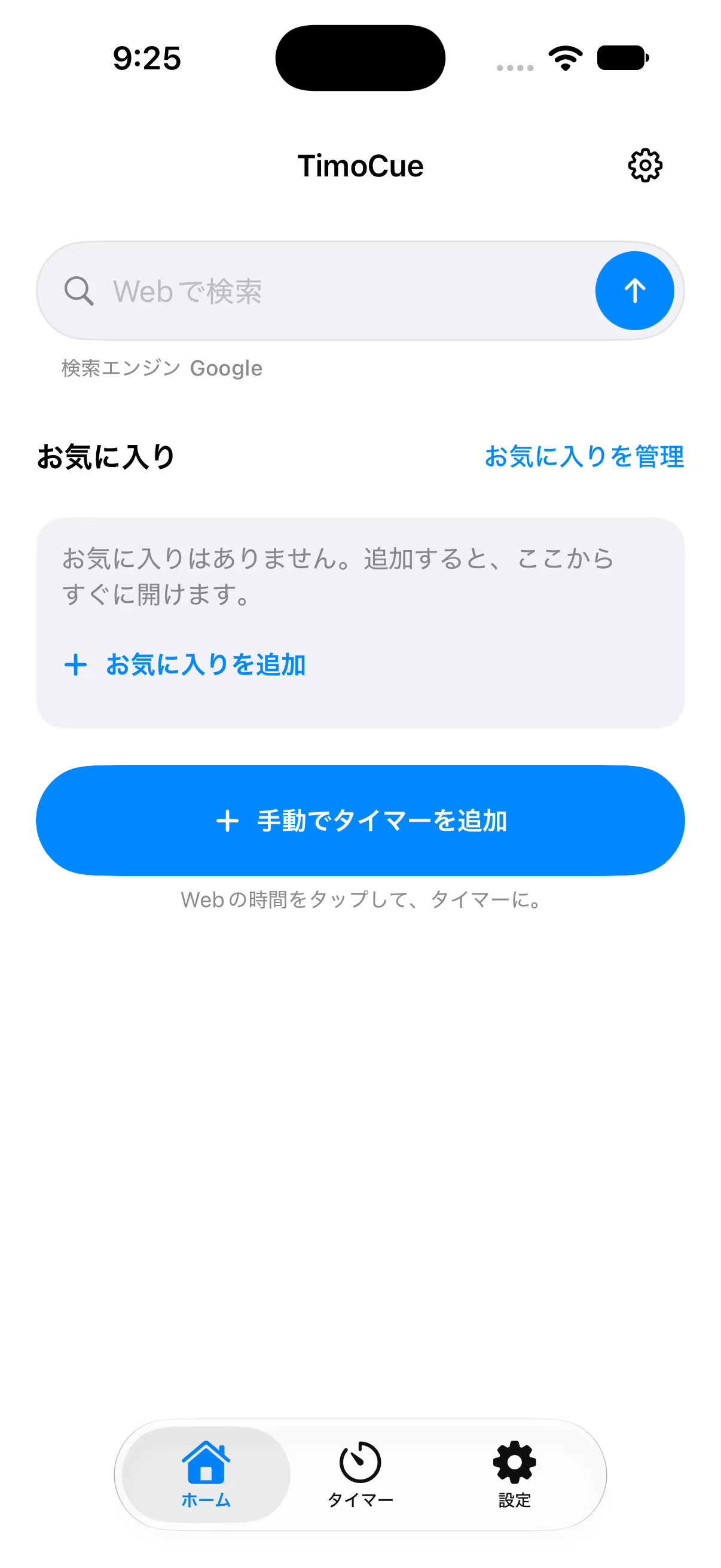
Cooking, learning, moving, making, and working. Bring the time on a web page into a timer with the same simple flow.
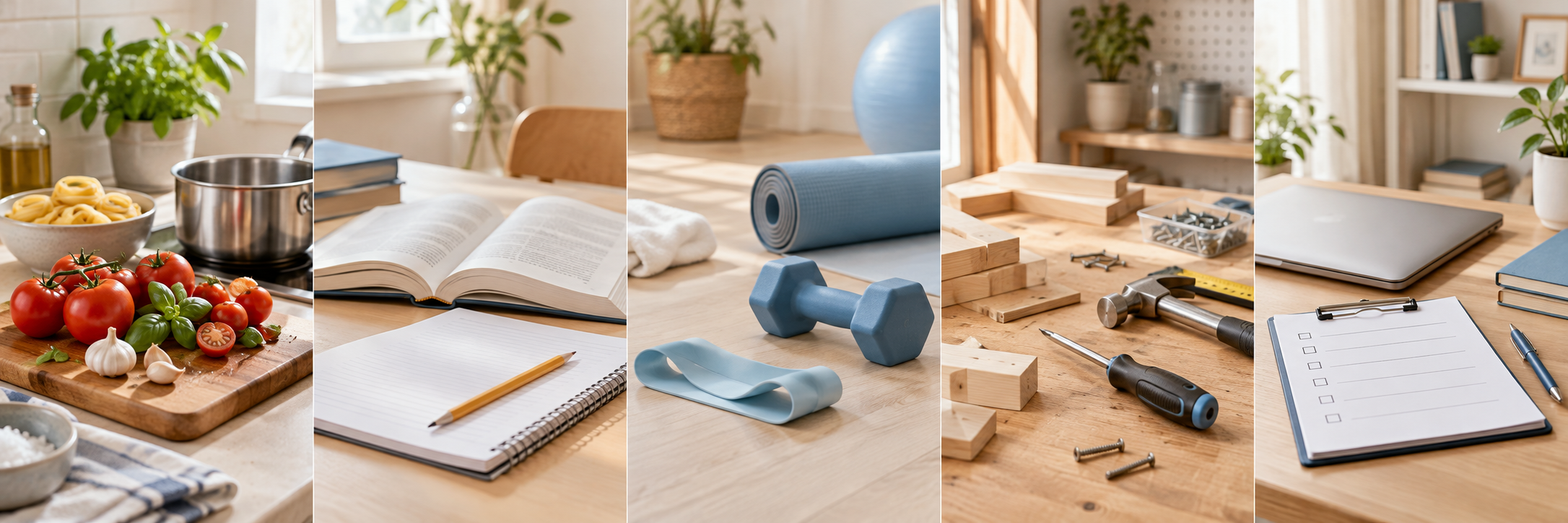
Boiling, steaming, and baking steps.
Practice sessions and study intervals.
Training intervals and rest breaks.
Work steps and drying time.
Checks and timed steps in a process.
Keep the page open, check the duration, and start when you are ready.
Search from Home and choose a website from the results, or open a saved favorite.
Select a time on the page, check it, and add it in a ready state. Set it manually if capture is unavailable.
Adding a timer does not start it. Press Start to begin counting, with an alarm at the end.
A compact tray at the bottom keeps more of the browser available for the page.
Start, pause, and resume each timer independently. Edit its name or duration.
If a time cannot be captured from a page, use Add in the bottom tray to enter a name and duration.
Save a display name and URL as a favorite, then open it in the same browser.
Time capture may be unavailable depending on website structure and terms. Set the duration manually when needed.
Text and time capture in 11 languages are in development and verification. Remaining checks, including end alarms on real devices, are required before release.
App text, alarm wording, and detection of time expressions on web pages are in development for 11 languages. This does not translate entire web pages.
Explore more apps from the same developer and LINE stickers for everyday messages.